
Description
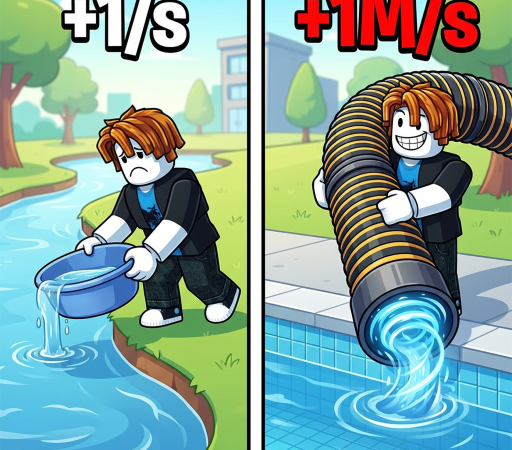
Dive into the ultimate simulator experience with the “+1 Drain Water Per Click” script by KHsaeed, designed to skyrocket your progress effortlessly. This powerful tool automates the tedious grinding process, allowing you to dominate the leaderboards and unlock premium areas in record time. Best of all, the script is completely keyless, meaning you can jump straight into the action without dealing with annoying verification steps.
Key Features
- Auto Click & Train: Automatically clicks to train your character and drain water instantly, ensuring your stats grow even when you are away from your screen.
- Auto Rebirth & Upgrades: Smoothly handles rebirths and purchases upgrades for your backpack, speed, and display stands to maximize your efficiency.
- Multi-Hatch (1x & 3x): Speeds up your pet acquisition by automatically hatching single or triple eggs to secure the best companions faster.
- 100% Free & Keyless: Enjoy unrestricted access to all premium automation features without the hassle of completing key system tasks.
- Lightweight Optimization: Engineered with clean code to run flawlessly on mobile executors like Delta, Codex, and Hydrogen, as well as PC clients without causing lag.
How to Use the Script
- Launch the “+1 Drain Water Per Click” game on Roblox using your preferred device.
- Open your trusted Roblox executor client, such as Delta, Codex, Hydrogen, or Wave.
- Copy the official Pastebin loadstring script code block provided below.
- Paste the copied script into the executor’s editor window and click “Execute”.
- Use the clean in-game GUI menu to toggle your desired features like Auto Click, Rebirth, and Hatching.
Features
Compatible Executors
Script
loadstring(game:HttpGet("https://github.com/KhSaeed90/Roblox/raw/refs/heads/workspace/103883942725157"))()Comments (0)

No comments yet. Be the first!