
Description
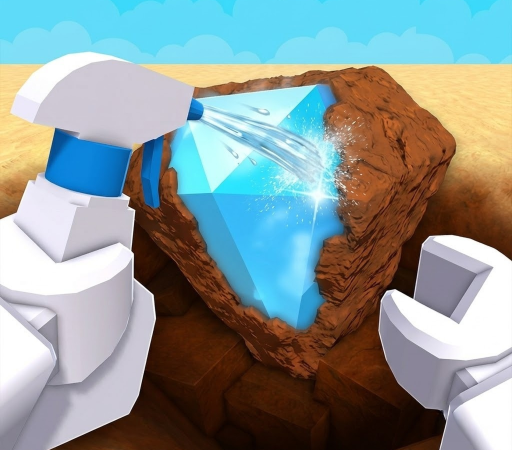
Dive into the ultimate cleaning adventure with the Dig & Clean Script, designed to elevate your gameplay to the next level. This powerful Zateviss Hub UI tool automates the tedious grinding process, allowing you to easily dig, clean, and sell treasures without lifting a finger. Best of all, this script is completely keyless, giving you instant access to premium features without annoying verification checkpoints.
Key Features
- Fully Automated Farming: Experience hands-free progression with optimized Auto Dig, Auto Clean, and Auto Sell features that handle the entire gameplay loop for you.
- Smart Profit Filters: Prioritize high-value items using advanced options like Skip Below Minimum Rarity and Clean Before Sell to maximize your in-game earnings.
- 100% Free & Keyless Access: Enjoy seamless, unrestricted access to the entire Zateviss Hub UI feature set without dealing with tedious key generation systems.
- Lag-Free Mobile & PC Optimization: The codebase is extremely lightweight and optimized to run smoothly on mobile executors like Delta, Codex, and Hydrogen, as well as major PC clients.
How to Use the Script
- Launch the Roblox application and open the Dig & Clean game.
- Open your preferred Roblox executor client, such as Delta, Codex, Hydrogen, or Wave.
- Copy the official Zateviss Hub loadstring script from a trusted source or Pastebin.
- Paste the copied loadstring into the executor’s editor window and click the Execute button.
- Use the on-screen GUI to toggle your desired features, customize your rarity targets, and watch the automation begin.
Features
Compatible Executors
Script
loadstring(game:HttpGet("https://raw.githubusercontent.com/zateviss/Z-HUB/refs/heads/main/Dig-Clean.lua"))()Comments (0)

No comments yet. Be the first!