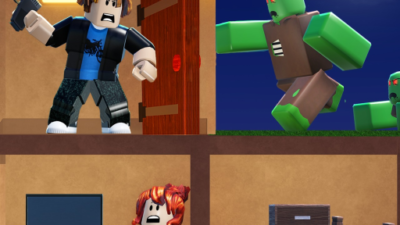
Defend Bunker from Zombies Keyless Script – Auto Bring, Auto Chest, Teleport
 Keyless

Description
Prepare to dominate the post-apocalyptic hordes in Defend Bunker from Zombies with this ultimate gaming enhancement. This powerful tool automates your resource gathering and combat tactics, allowing you to secure your bunker and rescue survivors with absolute ease. Best of all, this script is completely keyless, meaning you can bypass annoying linkvertises and jump straight into fortifying your defenses.
Key Features
- Auto Bring & Rescue: The Auto Bring Zombie and Auto Rescue features automatically teleport survivors and pull enemies directly to your location for effortless elimination.
- Automated Resource Harvesting: The Auto Chop Tree and Auto Chest functions streamline your gameplay by instantly gathering wood and opening chests to upgrade your bunker.
- Customizable Combat Range: Fine-tune your defense using the Jarak Deteksi Zombie and Jarak Zombie di Depan Pemain features to control exactly where enemies teleport relative to your character.
- Keyless & Free Access: Enjoy seamless execution with a completely free and keyless system that lets you bypass tedious verification links.
- Optimized Performance: This lightweight script is fully optimized to run smoothly on mobile executors like Delta, Codex, and Hydrogen, as well as major PC executors without causing any lag.
How to Use the Script
- Launch Roblox and start the Defend Bunker from Zombies game on your device.
- Open your preferred Roblox executor, such as Delta, Codex, Hydrogen, or any compatible PC client.
- Copy the provided Pastebin loadstring script code accurately.
- Paste the copied script into the execution window of your chosen executor.
- Press the “Execute” button, configure your desired settings in the custom GUI, and watch your defenses thrive.
Features
Compatible Executors
Script
loadstring(game:HttpGet("https://raw.githubusercontent.com/keeloby/-/refs/heads/main/save%20ebunker"))()Comments (0)

No comments yet. Be the first!