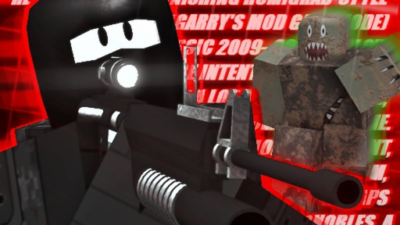
Retrograd Script Simple ESP | Chams, ESP, Keyless
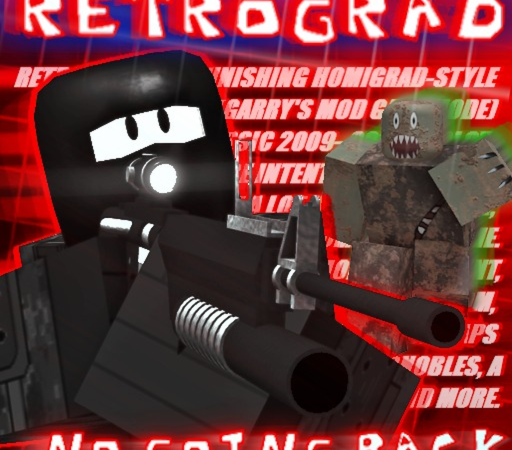 Keyless

Description
Looking for a reliable Retrograd script that actually works? This one covers the basics well — Chams and Esp are included along with a few other useful options. It is keyless.
What This Script Can Do
- Chams: Handles Chams automatically in Retrograd, so you don’t have to do it manually every session.
- Access: No key system or Linkvertise redirect needed — just paste and run.
- Executor Compatibility: Works great on Delta, Codex, Hydrogen, Wave, and most mobile and PC executors.
How to Use This Script
- Launch Roblox and find Retrograd in your games list or through search, then hit Play.
- Wait until you’re fully loaded into the game world before running any script.
- Open your executor app (Delta, Codex, Hydrogen, Wave, or any compatible one) and go to the script tab.
- Copy the loadstring code shown on this page and paste it into your executor’s script box, then press Execute.
- A GUI or confirmation should appear in-game — use it to turn on the features you want and adjust any settings.
Features
Compatible Executors
Script
_G.Key = "" -- https://discord.gg/pawjobvip for the key
loadstring(game:HttpGet("https://raw.githubusercontent.com/ProjektEta/pawjob.vip/refs/heads/main/retrograd.lua"))()
Comments (0)

No comments yet. Be the first!